



Rollanzia Application
Rollanzia app is what we built for players who want the real casino on their phone, not a watered-down shortcut. Our mobile casino runs as a Progressive Web App, so there is nothing to download from a store and nothing to update manually. Roll Aniza is there whenever you open your browser – on any network, any device, ready to go.



Rollanzia App Mobile
Playing through the Rollanzia app versus playing on a desktop computer comes down to context, not capability. The game library is the same – online slots, live tables, crash games, and everything in between. What changes is how you interact with it. On mobile, the interface is built around taps and swipes rather than clicks and keyboard shortcuts, and the layout is compressed to match portrait or landscape orientation without losing functionality.
PC play has the advantage of a large display, which matters most in live dealer sessions with multiple side bet options and real-time stats on screen. The Rollanzia mobile format compensates through convenience – your account, balance, and active bonuses travel with you, and a session started on desktop picks up exactly where you left off when you switch to the app.
Platform Comparison Overview
| Feature | Mobile App (PWA) | Desktop Browser |
| Installation | One-tap, no app store | Open your browser, go to the site |
| Updates | Automatic on every load | No action required |
| Game Access | Full catalog | Full catalog |
| Screen Optimization | Touch-first layout | Expanded visual interface |
| Storage Usage | Near zero (browser-based) | N/A |
Rollanzia App – iOS
iPhone and iPad users access the Roll Aniza platform directly through Safari without any App Store download. iOS policies for gambling applications make browser-based PWA the standard approach, and our implementation is fully optimized for Apple devices. The layout scales automatically from compact iPhone screens to the wider display of iPad models, keeping the interface uncluttered and functional throughout.
Adding the Rollanzia app to your home screen on iOS takes three steps: tap the Share icon (a square with an upward arrow) in Safari, select Add to Home Screen, confirm our official URL, and tap Add. The shortcut appears instantly and opens directly to the platform, bypassing the browser address bar entirely. Face ID and Touch ID authentication are supported, adding a second layer of account security at login. TLS encryption secures every transaction from deposit through withdrawal.
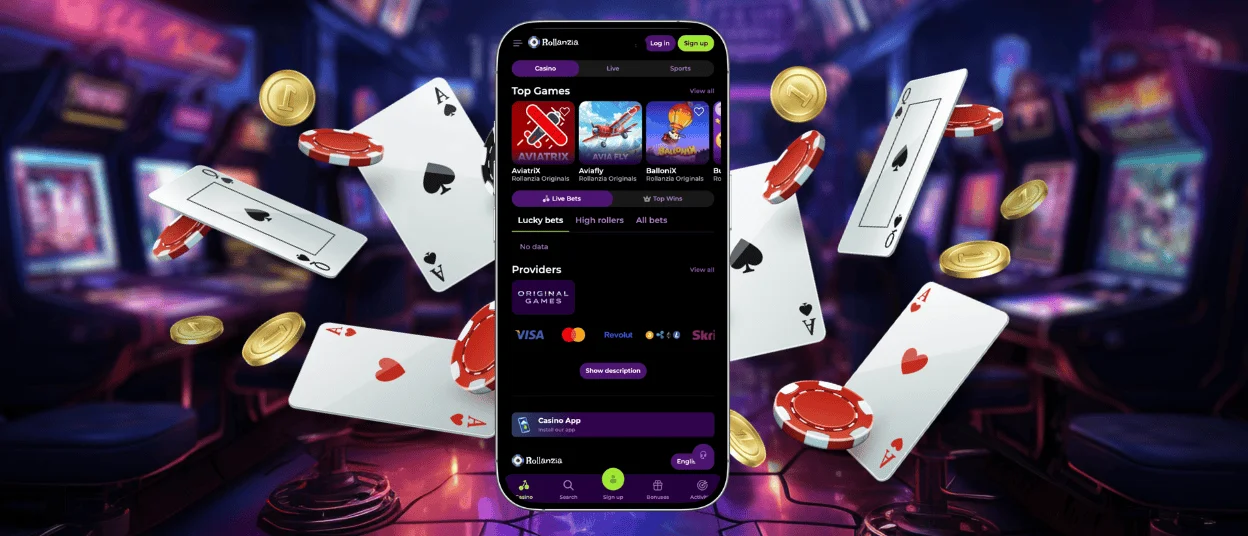
Rollanzia App – Android
Getting the Rollanzia casino on an Android device means opening your phone’s browser and visiting our website – that is the whole installation story. We use a PWA instead of a native package, and this matters for a few practical reasons. Your phone’s battery holds longer during play because the app delegates a significant portion of processing to the browser engine. Storage stays free because there is no file sitting on your device. And since the platform is live from our servers, there is no version gap between what we update and what you use.
Scroll to the bottom of the Rollanzia page, hit the Casino App button, and confirm the installation prompt. The icon lands on your home screen immediately, and from that point it behaves like any other app shortcut – direct access, no address bar required.
Roll Aniza APK
There is no official Roll Aniza APK for download, and that is deliberate. Distributing installation packages through third-party channels creates a clear vector for tampered files, and we have no way to verify the integrity of anything circulating under our name from external sources. Our PWA delivers a functionally identical gaming experience and is served over HTTPS, meaning encryption is active from the moment the connection opens. Security patches are rolled out on our end without touching your device, so the version you use today and the version you use six months from now are always current.
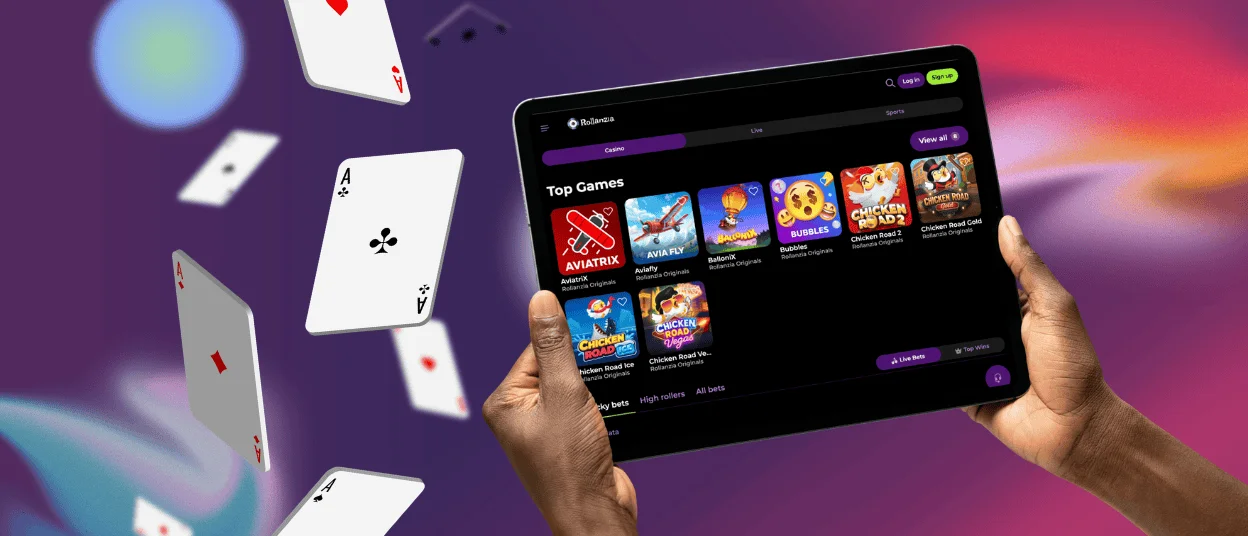
Roll Aniza App – Desktop and Supported Browsers
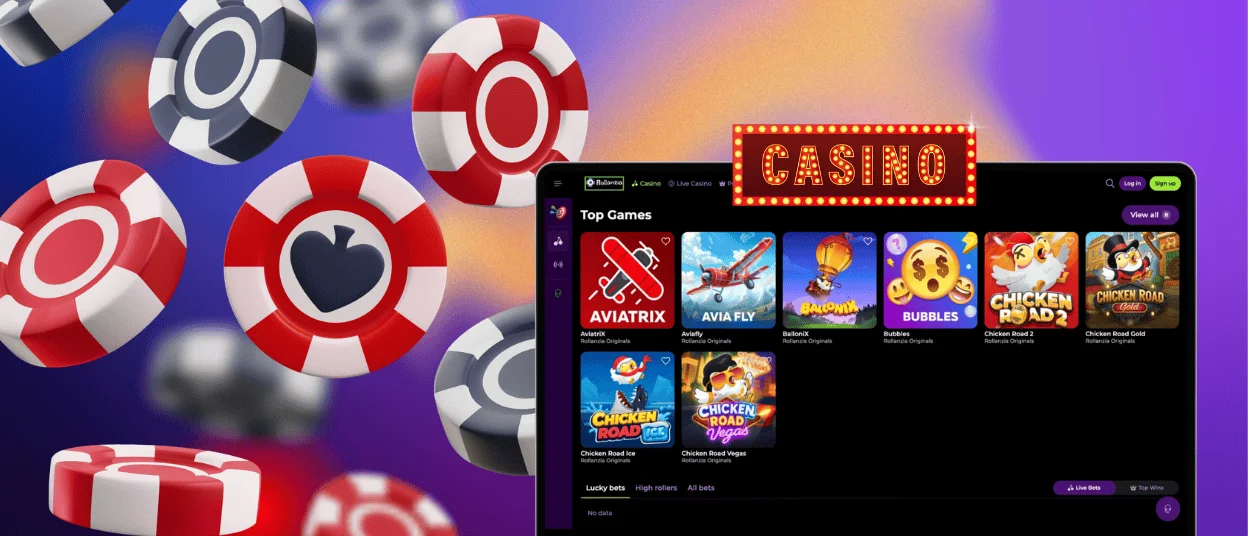
On desktop, Roll Aniza works through Chrome, Firefox, Safari, Edge, and Brave – there is no proprietary software to install and no browser extension required. The desktop interface gives you a wider viewport, which pays off most visibly in live dealer games where table statistics, camera options, and chat panels share the screen without crowding. We recommend creating a browser shortcut from the site menu so the platform opens in one click.
All account data is shared across sessions regardless of device. Deposits made from your phone, bonuses activated at a desktop, and game history all reflect in real time. Rollanzia treats every access point as part of the same account rather than isolated environments.
| Platform | Method | Requirements | App Store Needed |
| Android | PWA via browser | Any modern browser | No |
| iOS (iPhone/iPad) | PWA via Safari | Safari browser | No |
| Windows PC | Browser shortcut | Chrome, Edge, Firefox | No |
| macOS | Browser shortcut | Safari, Chrome, Brave | No |
What the PWA format gives Rollanzia players:
- Full HTTPS coverage from connection open to session close
- Zero installation files means no risk from modified or counterfeit packages
- Platform updates happen on our servers and take effect immediately at your next visit
- Device storage is not touched – the app leaves no footprint on your phone
- One account, all devices – no re-login required when switching between mobile and desktop
FAQ
How do I fix loading or connection issues in the app?
The most effective first step is clearing your browser cache and reloading the page. If the issue persists, confirm that your device operating system and browser are running the latest available version, as outdated software can cause rendering conflicts. Switching between Wi-Fi and a mobile data connection often resolves intermittent loading problems as well. Our Support Team is available through live chat around the clock for persistent issues that require account-level investigation.
Where can I download the Rollanzia app from a trustworthy source?
The Roll Aniza app is accessed directly from our official website. There is no separate download, installer, or third-party distribution channel. Opening the platform in your mobile browser and using the Add to Home Screen function is the complete and only installation process. Any file claiming to be a Rollanzia APK from an external source is not associated with us and should not be used.
Does the app use the same security measures as the website?
The Rollanzia app and the main website share identical infrastructure, meaning all security protocols apply uniformly across both. TLS encryption protects every data exchange, and the verification process follows the same documentation standards regardless of whether it is completed on a phone or a desktop. RNG certification and audit requirements apply to all games served through the mobile platform without exception.
How can I contact support from within the app?
The live chat function is accessible from within the Rollanzia app through the support menu. Our Support Team responds in real time and handles all account-related queries, including technical issues, bonus verification, and payment status updates. Email contact is also available for inquiries that require documentation or more detailed follow-up. Response times and availability through both channels are the same as on the desktop version.


